
🛡️ Key Takeaways & Strategic Summary
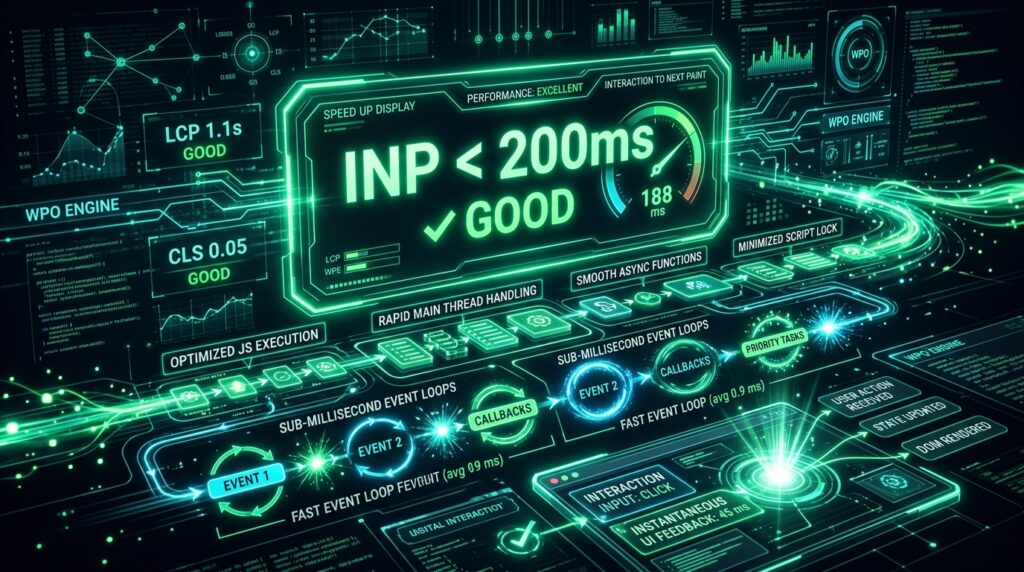
- Understanding INP: INP measures the overall latency of all user interactions (clicks, taps, keypresses) across the entire page lifecycle, not just the first input.
- The Good Threshold: To pass Core Web Vitals, the 75th percentile of user sessions must register an INP of 200ms or less.
- Main-Thread Yielding: Break long tasks (>50ms) using
scheduler.yield()orrequestAnimationFrame()to keep the UI thread responsive. - DOM Minimization: Excessive DOM depth and complex layout thrashing directly inflate presentation delay.
Google’s Core Web Vitals metric, Interaction to Next Paint (INP), holds websites accountable for full-lifecycle user responsiveness. Unlike the deprecated First Input Delay (FID), which only measured the initial delay before event handlers fired, INP measures the entire time from user interaction until the browser paints the updated visual frame.
1. The Anatomy of an Interaction: The 3 Phases of INP
Every user tap, click, or keypress undergoes three distinct phases that contribute to total INP latency:
- Input Delay: The waiting period between the user’s action and the browser beginning event handler execution. Long background tasks on the main thread cause high input delays.
- Processing Duration: The time required for JavaScript event callbacks (e.g., click handlers, React state reducers) to complete execution.
- Presentation Delay: The time the browser takes to recalculate styles, recalculate layout geometry, composite layers, and paint the resulting pixels to the display.
2. Diagnosing and Pinpointing Long Tasks (>50ms)
Browsers execute JavaScript on a single main thread. Any single task exceeding 50ms is classified as a Long Task that freezes user input. Profiling INP in Chrome DevTools Performance panel reveals common culprits:
- Heavy client-side framework hydration (e.g., monolithic React/Vue bundles).
- Third-party analytics, chat widgets, and tag manager script execution loops.
- Synchronous JSON parsing of oversized REST payloads during click events.
3. Code Optimization: Yielding to the Main Thread
When executing computationally intensive operations, developers must explicitly yield control back to the browser so pending user inputs can be processed immediately:
// Yielding long tasks to maintain continuous UI responsiveness
async function processLargeDataset(items) {
  for (let i = 0; i < items.length; i++) {
    processIndividualItem(items[i]);

    // Yield every 50 iterations or when tasks take too long
    if (i % 50 === 0) {
      if ('scheduler' in window && 'yield' in scheduler) {
        await scheduler.yield(); // Modern W3C Scheduler API
      } else {
        await new Promise(resolve => setTimeout(resolve, 0)); // Fallback
      }
    }
  }
}
4. Preventing Layout Thrashing and Forced Reflows
Layout thrashing occurs when JavaScript repeatedly reads geometric properties (e.g. element.offsetHeight, element.getBoundingClientRect()) immediately after modifying styles. Group all DOM read operations together before writing updates, or offload visual state updates to CSS class toggles.
5. Optimizing Complex Frameworks (React & Vue)
In component-based frameworks, wrapping non-urgent state updates inside startTransition ensures high-priority inputs (like keyboard typing or button clicks) interrupt background re-rendering:
import { useTransition } from 'react';

function SearchFilter() {
  const [isPending, startTransition] = useTransition();

  function handleChange(e) {
    // High priority: update input field immediately
    setInputValue(e.target.value);

    // Low priority: render filtered list in background
    startTransition(() => {
      setFilteredList(expensiveFilter(e.target.value));
    });
  }
}
6. Frequently Asked Questions (FAQ)
What is the exact target score for INP in Google Core Web Vitals?
An INP below 200ms is rated ‘Good’. Between 200ms and 500ms ‘Needs Improvement’, and above 500ms is classified as ‘Poor’.
Does server response time (TTFB) affect INP?
Indirectly, yes. If an interaction triggers a synchronous network fetch that blocks visual feedback before painting, presentation delay will spike. Always render optimistic UI states instantly.
7. Accelerate Your Web Applications with PixaQuant
Passing Core Web Vitals is critical for Google search rankings and customer retention. Explore PixaQuant’s Performance Optimization Services to eliminate JavaScript lag and achieve sub-200ms responsiveness across all devices.
5. Modern Diagnostic Tools for Continuous INP Monitoring
Optimizing Interaction to Next Paint requires transitioning from lab-only synthetic tests to real-user monitoring (RUM) field data:
- Chrome DevTools Performance Panel: Utilize the ‘Interactions’ track to visualize exact interaction timelines, input delay bottlenecks, and long animation frames (LoAF).
- web-vitals JavaScript Library: Embed lightweight client telemetry to log real-user INP timings directly to Google Analytics 4 or custom Datadog dashboards:
import { onINP } from 'web-vitals'; onINP((metric) => { console.log('Interaction Target:', metric.attribution.interactionTarget); console.log('INP Value:', metric.value, 'ms'); // Send telemetry beacon to analytics server navigator.sendBeacon('/api/vitals', JSON.stringify(metric)); }); - CSS Containment: Utilize
contain: layout style paint;on independent UI widgets (like sidebars and dropdowns) to prevent browser reflow calculations from cascading across the entire DOM tree.